The visitor directory
Look up a person who has visited, how often and when, whether they matched the blacklist and whether their details are saved.
The Visitors page answers the question reception hears every day: has this person been here before? It lists every person who has visited, one row each, with the most recent visit first. Owners, admins, reception, security and auditors have Visitors in the rail; hosts do not, because they see only their own visits.
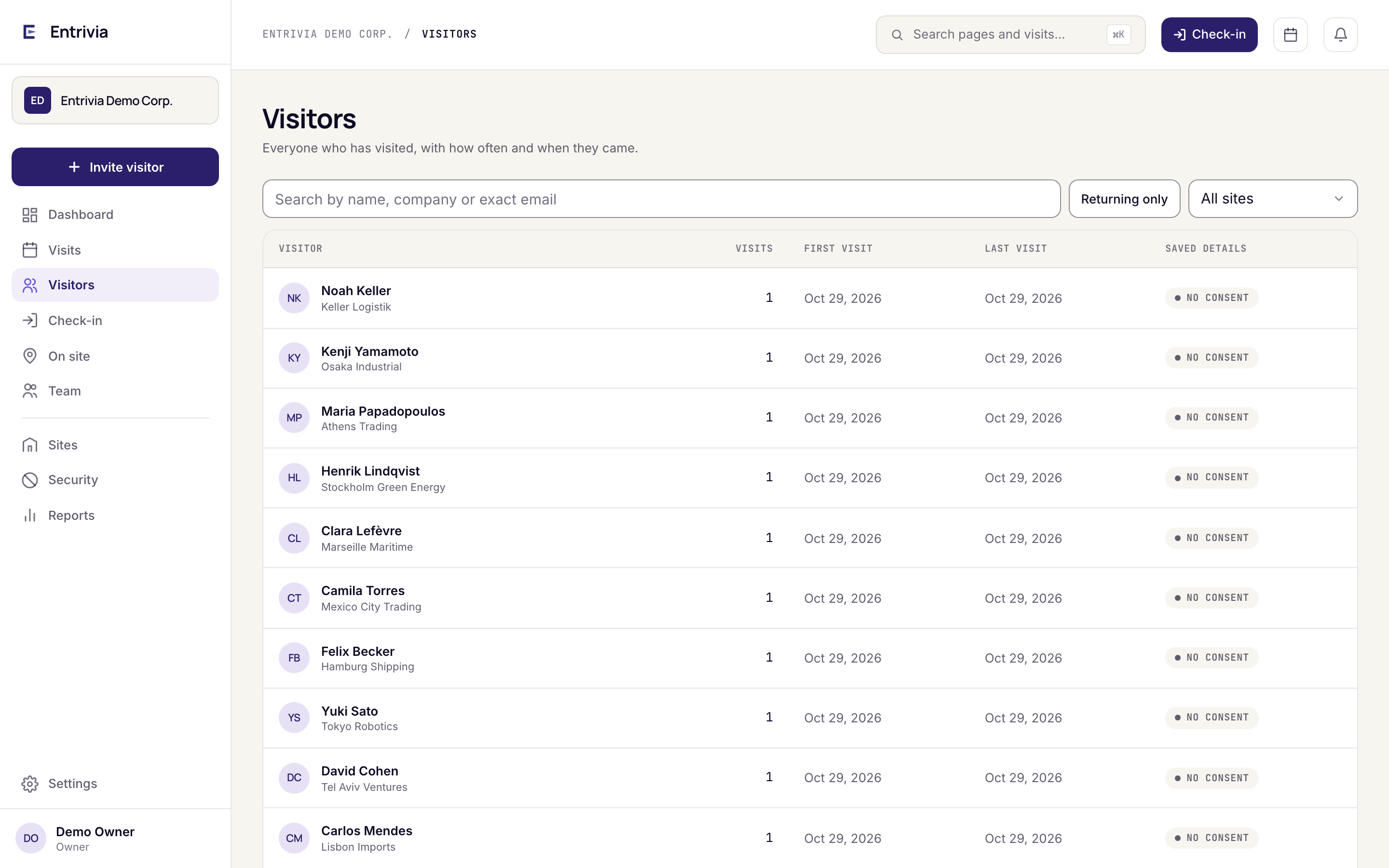
What each row shows
| Column | What it tells you |
|---|---|
| Visitor | The name and company the person gave on their last visit. Confidential visitor when every visit of theirs was confidential. |
| Visits | How many times they visited. |
| First visit, Last visit | The days of their first and most recent visit. |
| Saved details | Whether the person agreed to have their details kept for their next visit: Agreed, Withdrawn or No consent. Only with Agreed are their details filled in for the next invitation. |
A red Blacklist match beside the name means the person matched the blacklist at least once. The blacklist itself tells you why.
Finding someone
- The search finds a name or company from part of it. An email address must be typed in full; part of one finds nothing, so the list never reveals addresses.
- Returning only keeps people who visited more than once.
- Filter by site keeps people who visited that site. It appears when your workspace has more than one site.
- Clear filters shows everyone again.
The list shows 50 people at a time; Load more at the bottom fetches the next ones.
Opening a person's last visit
Click a row to open their most recent visit on the right, with its details, documents signed, consents and timeline; see The visitors list.