The notification bell
What the bell in the portal's top bar shows, and who receives which entry.
The bell
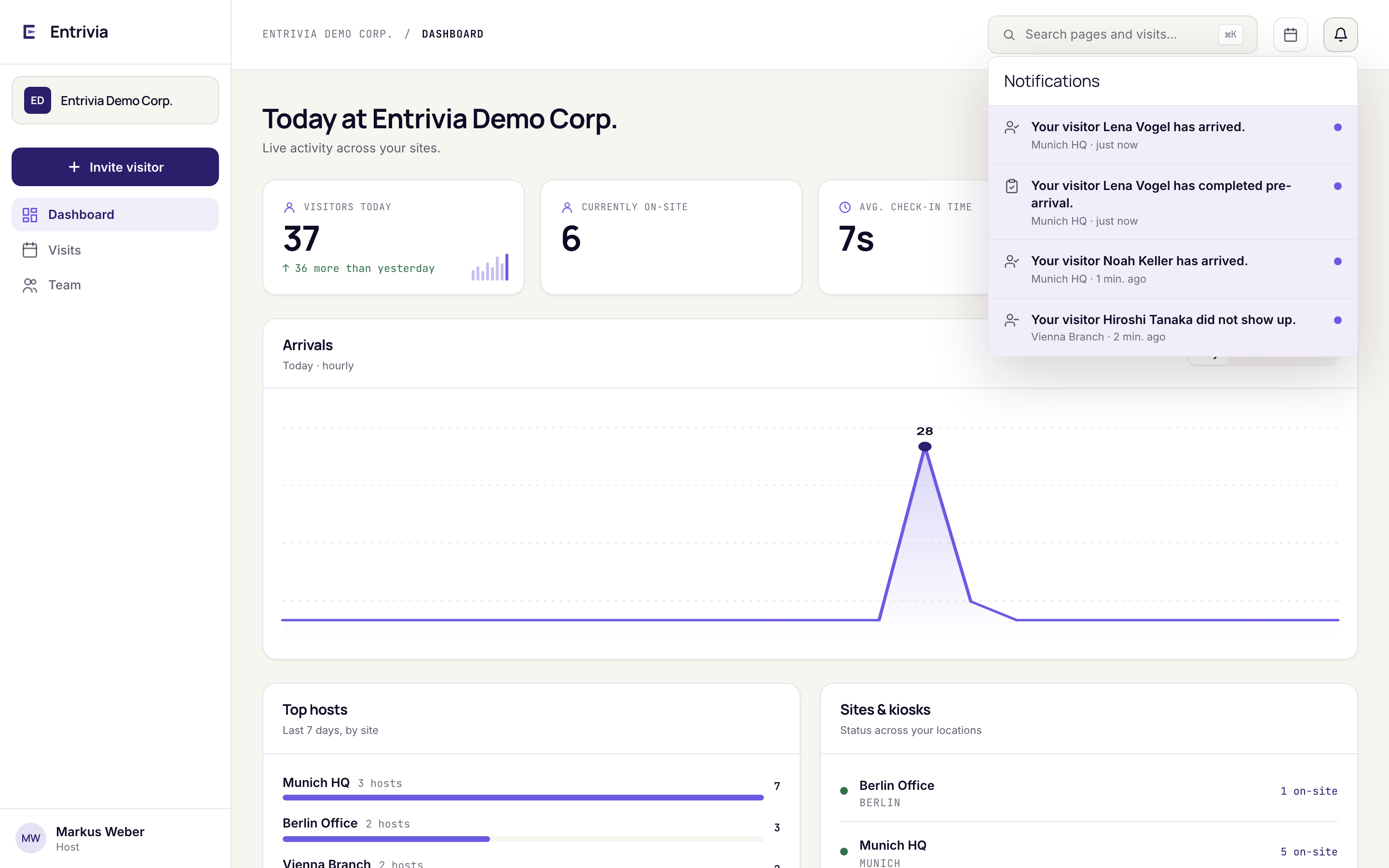
The bell in the top bar of the portal collects what concerns you personally: your visitor arrived, a visitor waits on hold, a badge did not print. It works for every role and is always on; it does not replace email, Slack or Teams.
New entries arrive while the portal is open, without reloading. The bell marks entries you have not seen yet, and a short pop-up appears when one comes in. Opening the bell marks every entry as read. The list keeps your newest 30 entries.
Who receives what
| Entry | Who receives it |
|---|---|
| "Your visitor … has arrived." | The visit's host |
| "Your visitor … has completed pre-arrival." | The visit's host |
| "Your visitor … was turned away on arrival." | The visit's host |
| "Your visitor … did not show up." | The visit's host |
| "… is on hold and needs your attention." | Reception and security at the visit's site |
| "We could not tell … that … has arrived." | Reception at the visit's site |
| "The badge for … could not be printed." | Reception at the visit's site |
| "Blacklist match at …" | Security at the site of the desk or kiosk |
| "… set the webhook to … to send visitor names." | Every owner but the one who made the change |
| "… created the API token …, which can read visitor names." | Every owner but the one who made the change |
The last two entries tell owners that visitor names start leaving Entrivia: a webhook now sends them, or sends them to a new address, or a new API token can read them. Every owner, the one who made the change too, also receives an email about it, so a change made through someone else's session is noticed.
"At the visit's site" means the people of that role assigned to the site under Team. When nobody of that role is assigned to the site, everyone with the role receives the entry. See Changing roles and permissions.
What the entries leave out
Some entries say less on purpose:
- An entry about a visitor on hold never gives the reason. A hold can come from a declined NDA, a refused photo or a sanctions screening review, and a screening review must not be revealed to the desk. The reason is on the reception check-in page for those who may see it.
- A blacklist entry names neither the person nor the reason. Security reads both on the Blacklist page.
- On a confidential visit, people other than the host see "Confidential visitor".
You never receive an entry for something you did yourself. When you check a visitor in at reception, you are not told that they arrived.
What you cannot change
There is no way to mute single kinds of entries. If you want to hear about arrivals somewhere else as well, choose your channels in Your account. Entries older than 30 days are removed automatically.